Local Systems setup

Shape the operating system around your business.

Walk through the details that guide your Local Systems configuration—from services and coverage to calls, calendars and brand voice.

Guided Clear Built around you
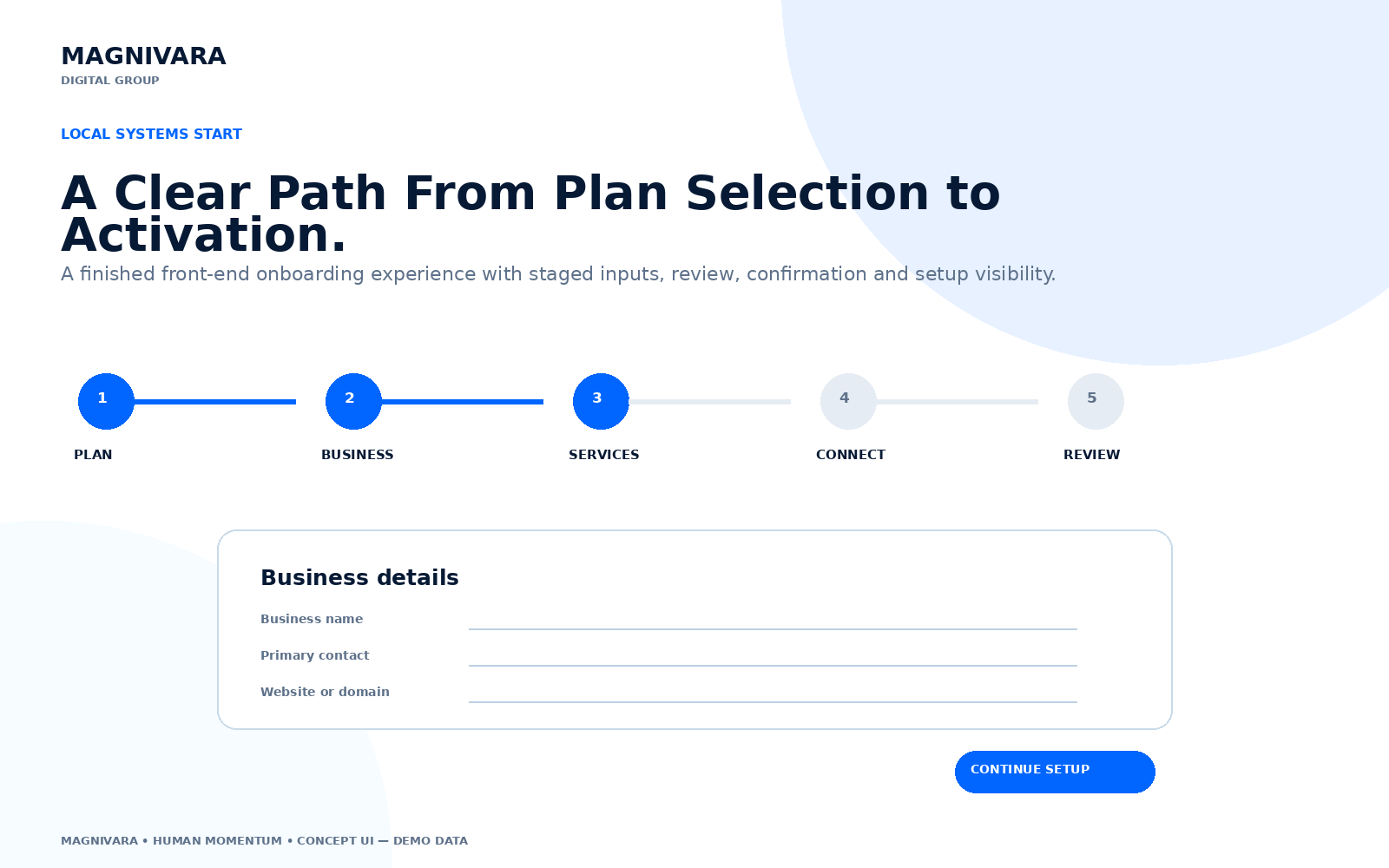
Local Systems onboarding interface showing a guided business setup sequence.
Guided setup path

Plan confirmation

Begin with the right operating depth.

Confirm the plan you want the setup path to reflect. Local Growth is the recommended starting point for a connected acquisition and follow-up system.

Select your plan (required)

Business details

Give the system a clear operating identity.

These fundamentals shape how your business is represented across the customer journey.

Services

Define what people can ask you to do.

Choose the service patterns that best match your business, then name the highest-priority offer.

How are services typically delivered? (required)

Service area

Map the market you actually serve.

Clear geographic boundaries help shape routing, messaging and customer expectations.

Coverage model (required)

Website or domain

Anchor the customer journey to the right destination.

Tell us what is already in place so the future connection phase can be scoped accurately.

Current website status (required)

Required only when an existing website is selected.

Phone + communication

Design the response path around real conversations.

Confirm the public number and the channels customers commonly use to reach your business.

Customer communication channels (required)

Calendar + scheduling

Clarify what should happen after interest.

Describe how consultations, estimates, appointments or project visits are scheduled today.

Current scheduling context (required)

Brand details

Make every touchpoint sound like your business.

A clear tone and visual baseline help the system feel coherent from first click to next conversation.

Primary brand voice (required)

Checklist + review

Review the setup direction before connection begins.

Review the information, then submit your setup request to Magnivara. Submitting this request does not purchase or activate a service.

Setup checklist (required)